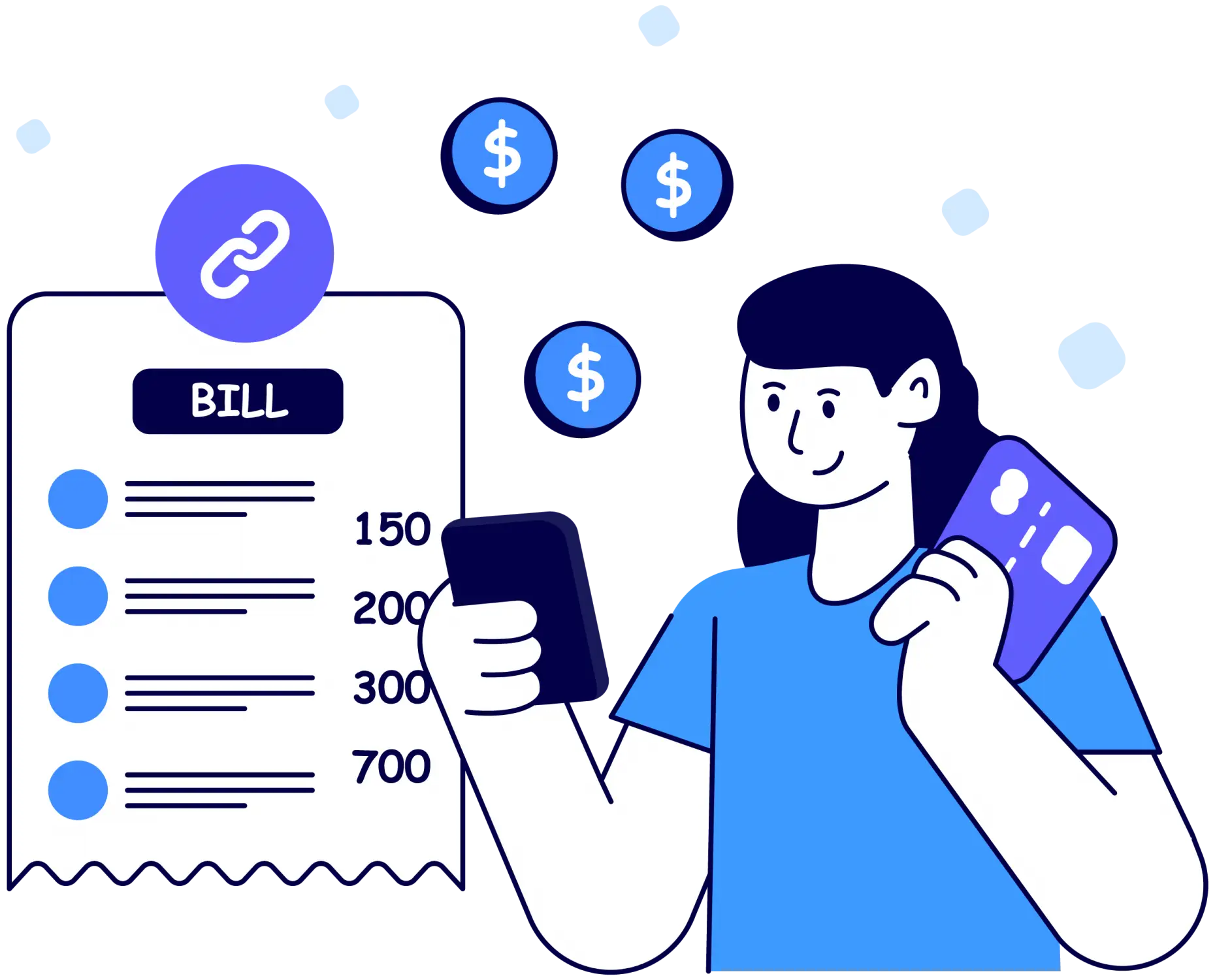
Payment Link
Get Paid Instantly with All Pay Online Payment Links
All Pay Online’s Payment Link feature allows you to receive payments effortlessly by creating a shareable link. Whether it’s for a friend, client, or anyone else, just send the link and let them complete the payment at their convenience. No need to share account details—just generate, share, and receive funds securely.
- 1. Generate a Payment Link
- 2. Share the Link
- 3. Receive Payment
Set Up Your Payment Link in 3 Simple Steps